Printing AI-Generated Designs: A Print Shop Guide

October 27, 2026

Share this article

Cartoon bear in overalls on green background with OpenAI, multicolor star, and orange burst logos

Generative AI tools like Midjourney and DALL-E have made it easier than ever to bring vivid, creative ideas to life. But while these images look spectacular on your smartphone screen, sending them directly to a print shop often results in blurry, off-color disasters. At Trailhead Printing, we love seeing the creative concepts our local community comes up with, but we also want your final product to look as good in your hands as it does on your monitor. In this guide, we’ll explore what you need to know about printing AI-generated designs, why file preparation is crucial, and when it makes more sense to collaborate with an actual designer.

What Customers Should Know Before Printing AI Designs

Customers must be aware that AI tools generate screen-optimized, low-resolution files in the wrong color space for physical printing. Because these tools are built to make things look good on digital displays, their raw outputs lack the technical specifications required by commercial printers.

The Resolution and Scaling Problem

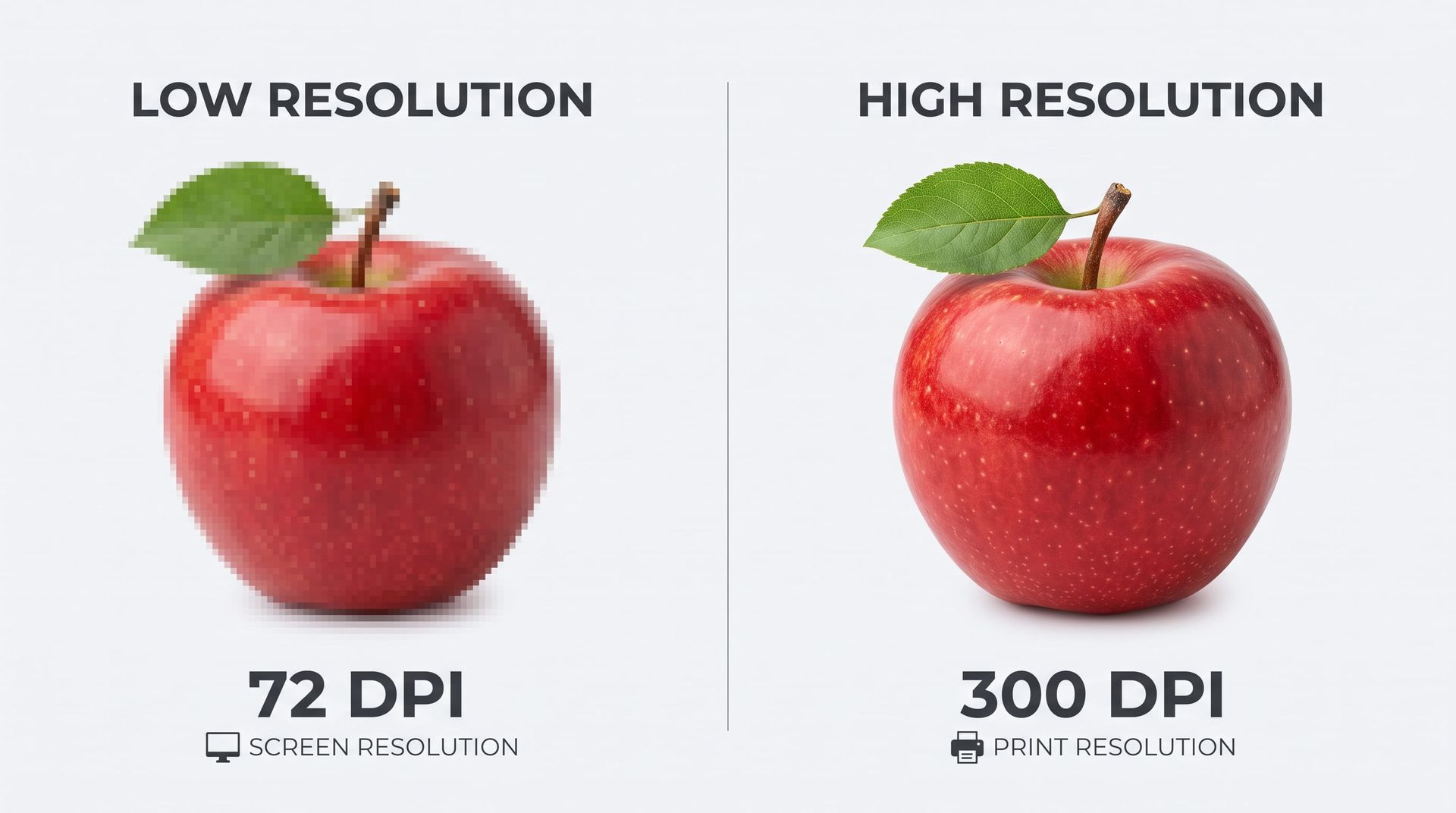
AI platforms typically output images at 72 to 96 DPI (dots per inch) with a maximum size of around 1024 by 1024 pixels. Professional printing, however, requires a minimum of 300 DPI for standard materials like flyers and brochures. 


When you try to stretch a small, 72-DPI AI image to fit an 8-foot banner or even a standard letter-sized page, the pixels stretch with it. This results in a final print that looks noticeably blurry, blocky, and pixelated. AI creates a fixed number of pixels (raster graphics); it does not create the mathematically scalable lines (vector graphics) that printers rely on for crisp, large-scale reproduction. 

Side-by-side red apple comparison labeled low resolution 72 DPI and high resolution 300 DPI

The RGB vs. CMYK Color Shift

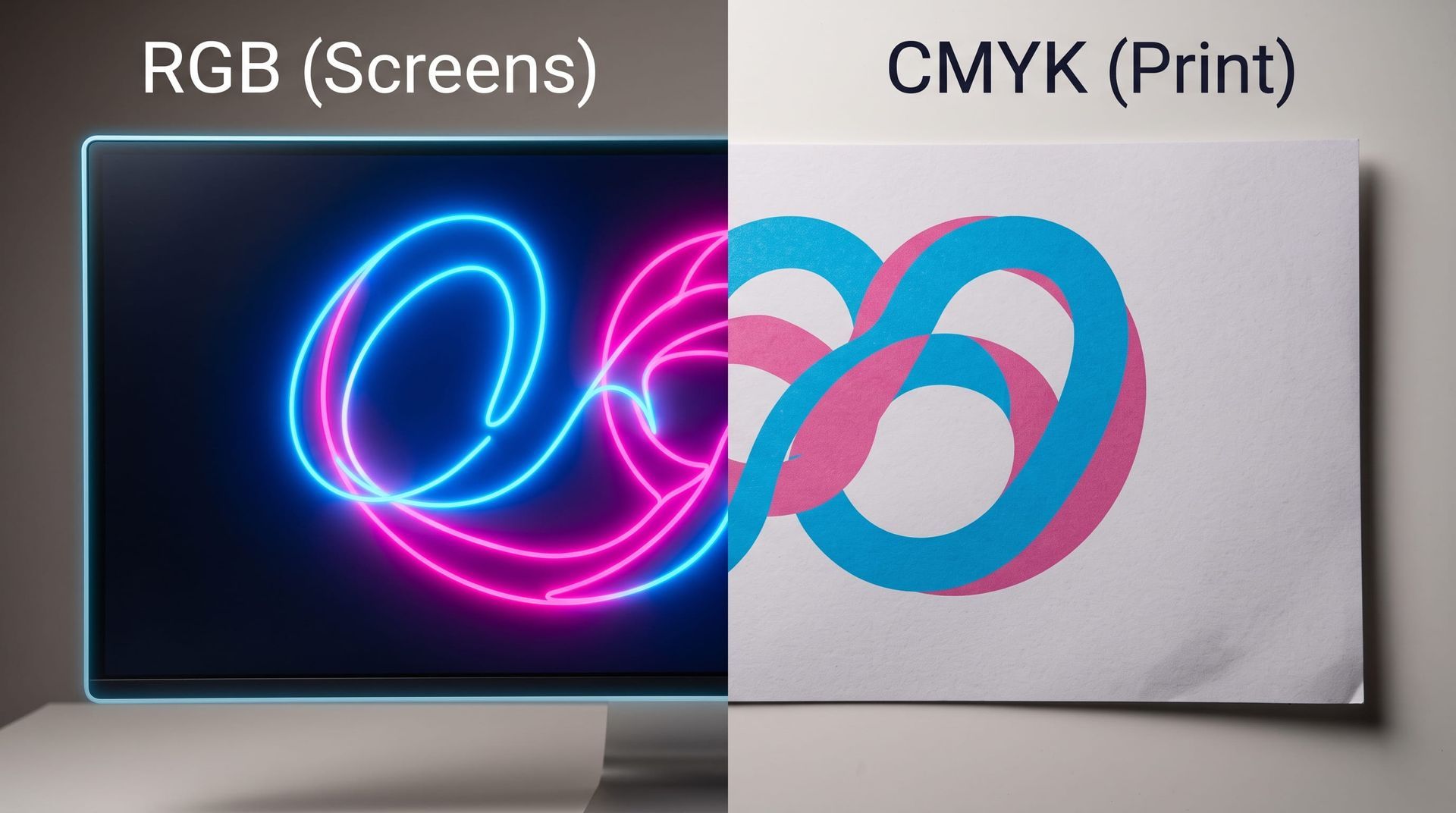
AI generates images in the RGB (Red, Green, Blue) color space, while professional print equipment uses CMYK (Cyan, Magenta, Yellow, Black) ink. 


Screens project light, which allows for neon greens, electric blues, and highly saturated colors that simply cannot be reproduced with physical ink. When a print shop converts your AI file from RGB to CMYK, those bright colors often "die" slightly, shifting toward duller or muddier tones. Knowing this helps manage expectations so you aren't surprised when your neon pink poster prints as a muted magenta. 

Screen comparison of RGB neon on monitor and CMYK print color swirls

File Formatting: Before Handoff or During Production?

File formatting must be completed before handing the project off to your printer. If you submit a raw AI file directly to a print shop, it will likely be rejected because it lacks the necessary setup for production machinery. 

Before submitting files for a quote, your artwork needs manual adjustments in professional design software. This includes:


  • Upscaling: Using specialized tools to artificially increase the pixel density to 300 DPI without losing too much clarity.


  • Color Conversion: Converting the file to a CMYK color profile to ensure the ink matches your expectations.


  • Adding Bleeds: Adding extra margin space around the edges of the design so that no white borders are left behind when the paper is trimmed. 


  • Vectorizing Text: Rebuilding any lettering in a program like Illustrator so it prints with perfectly crisp edges.

When Do AI Designs Become a Problem?

AI designs become a massive problem when they are used for large-format printing, typography-heavy layouts, or projects requiring strict brand identity.


  • Large Format Needs: Stretching an AI image for a custom banner or poster will expose every artifact, distortion, and "hallucinated" extra finger or warped texture. 


  • Typography: AI does not understand fonts or spelling; it merely draws shapes that look like text. Words will often be misspelled, warped, or jagged. 


  • Brand Consistency: If you need exact Pantone color matching for a corporate logo, AI cannot generate files with that level of precise color control.

AI vs. Traditional Design: Is There a Massive Quality Difference?

There is a massive technical quality difference because traditional designers build layered, scalable files meant for production, whereas AI outputs flat, single-layer pictures.


While an AI can mimic beautiful artistic styles in seconds, a human designer constructs artwork logically. A designer uses vector graphics for logos so they can be scaled to the size of a billboard without losing quality. They place text on separate, editable layers, ensure high-resolution photographic elements, and purposefully design around the physical folds, cuts, and dimensions of your specific print product. 

Why Hiring a Professional Designer Makes Sense

It makes more sense to hire an actual designer because they act as a translator between your creative vision and the strict mechanical requirements of print production.


Using an AI tool is fantastic for mood boards or showing a designer the vibe you want. However, an experienced graphic designer will: 

  1. Build the artwork to the exact dimensions of your final product.

  2. Ensure your fonts are legible, correctly spelled, and sharply defined.

  3. Guarantee your colors will look as expected when committed to paper.

  4. Provide a print-ready PDF that sails smoothly through the production floor without delays or extra setup fees.
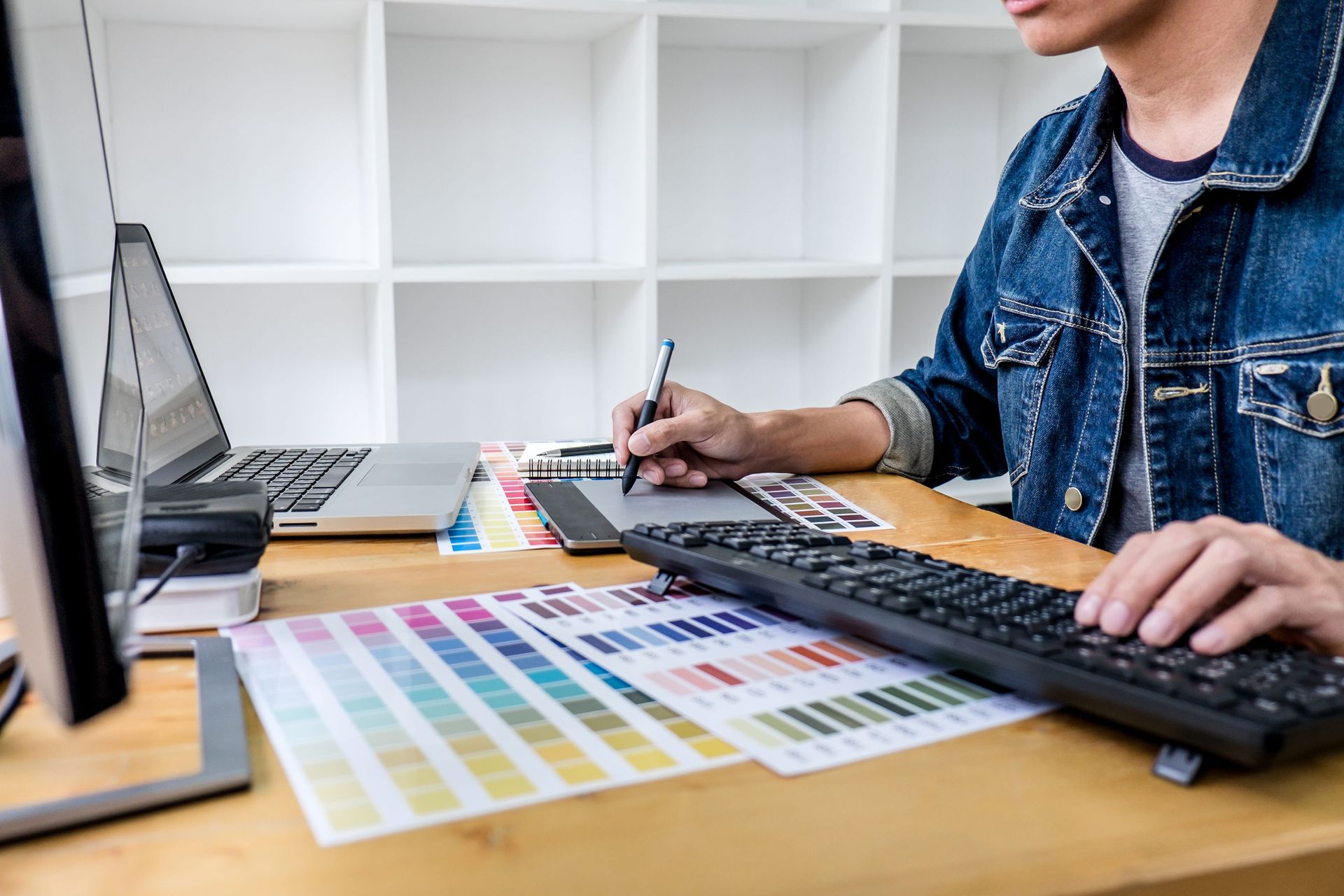
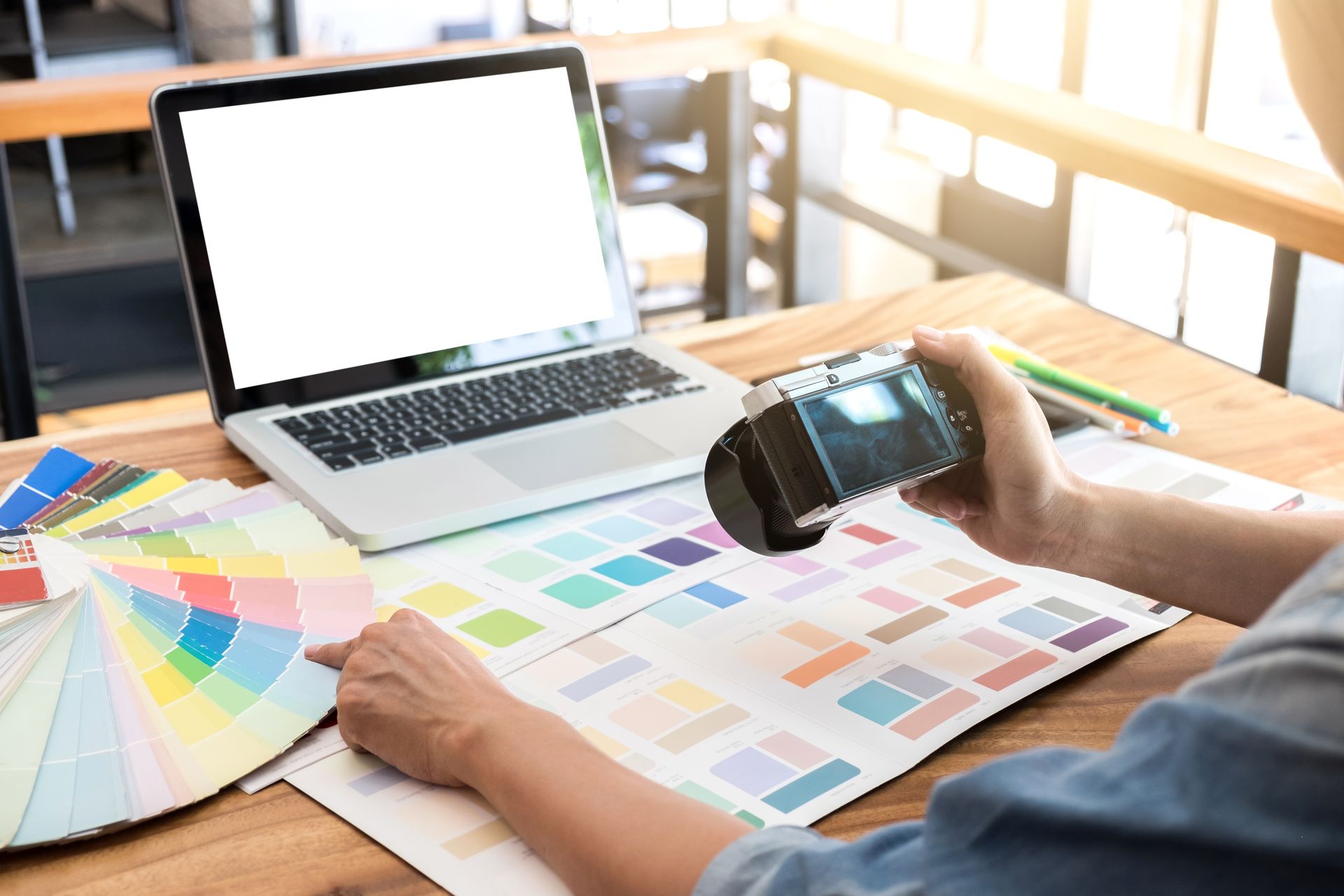
Person working at a desk with a keyboard, laptop, color swatches, and design samples.

Generative AI is a brilliant tool for brainstorming and conceptualizing, but it is not a replacement for proper print setup. Between low resolutions, unpredictable color shifts, and flat file formats, raw AI art simply isn't ready for the press. Whether you need help prepping an AI concept for production or want to partner with a human professional to design your project from the ground up, we are here to help.


Ready to turn your vision into a beautiful, high-quality physical product? Contact Trailhead Printing today for a custom quote, and let our local experts guide you through the process!

Frequently Asked questions

  • Can I print an image directly from ChatGPT or Midjourney?

    No, you cannot print an image directly from an AI generator with good results. These platforms output low-resolution, screen-optimized files in the RGB color space. The files must be upscaled, converted to CMYK, and properly formatted before they are ready for commercial printing.

  • Why did my AI-generated design print blurry?

    Your design printed blurry because AI generates images at 72 to 96 DPI, which is ideal for screens but far too low for print. Professional printing requires a minimum of 300 DPI; when you stretch a low-resolution AI file to fit physical paper, the pixels expand and create a blurry, blocky appearance.

  • How do I fix the resolution on an AI image for print?

    To fix the resolution, you must use dedicated AI upscaling software (like Topaz Gigapixel) or rebuild the file in a professional design program. Simply typing in new dimensions or saving it as a larger file does not add the missing detail required for a crisp print.

  • Can a print shop fix my AI design for me?

    While a print shop cannot magically "un-blur" a low-resolution image, many shops offer design services to help rebuild or format your AI concept. Using the AI image as a reference, a professional can recreate the layout with proper typography, vector graphics, and print-ready specifications.

Let’s Build Something Beautiful.

Whether you are a small business here in Simsbury looking for a brand refresh, or an event organizer needing eye-catching promotional materials, Trailhead Printing is now your one-stop shop from concept to completion.


Don't let a blurry logo hold your business back. Stop by the shop or reach out to us today to learn how our new Design Services can help your brand look its absolute best!


Recent Posts

Podium winners: bear on first, red-shirted person on second, lab-coated person on third.
By Trailhead Printing • October 20, 2026
See how mid-sized businesses in construction and field services partner with Trailhead Printing to reduce manual work, save money, and avoid big box headaches.
Blue Trailhead Running banner beside a red track under a clear sky, with trees in the background.
By Trailhead Printing • September 15, 2026
See how Trailhead Printing helped the Simsbury Gridiron save almost 50% on custom sponsorship banners. Your local print partner in the Farmington Valley.
Trailhead Printing sign with phone number, green bear silhouette, and address in Simsbury, CT
By Trailhead Printing • September 9, 2026
Elevate your brand with high-quality custom embroidery in Simsbury, CT. Trailhead Printing offers hands-on quality, local service, and delivery. Get a quote!
Cartoon bear in a TV frame holding a paper roll, with a speech bubble saying “ready to help whenever!”
By Trailhead Printing • August 24, 2026
Experience instant customer service at Trailhead Printing! Our new AI assistant is here to help with your specific orders, print requests, and questions.
Teddy bear in paint-splattered overalls beside a tipped-over chair and spilled paint in a room
By Trailhead Printing • August 1, 2026
Discover our June print snapshot! In just one week, Trailhead Printing produced over 36,800 items to help Simsbury businesses connect locally.
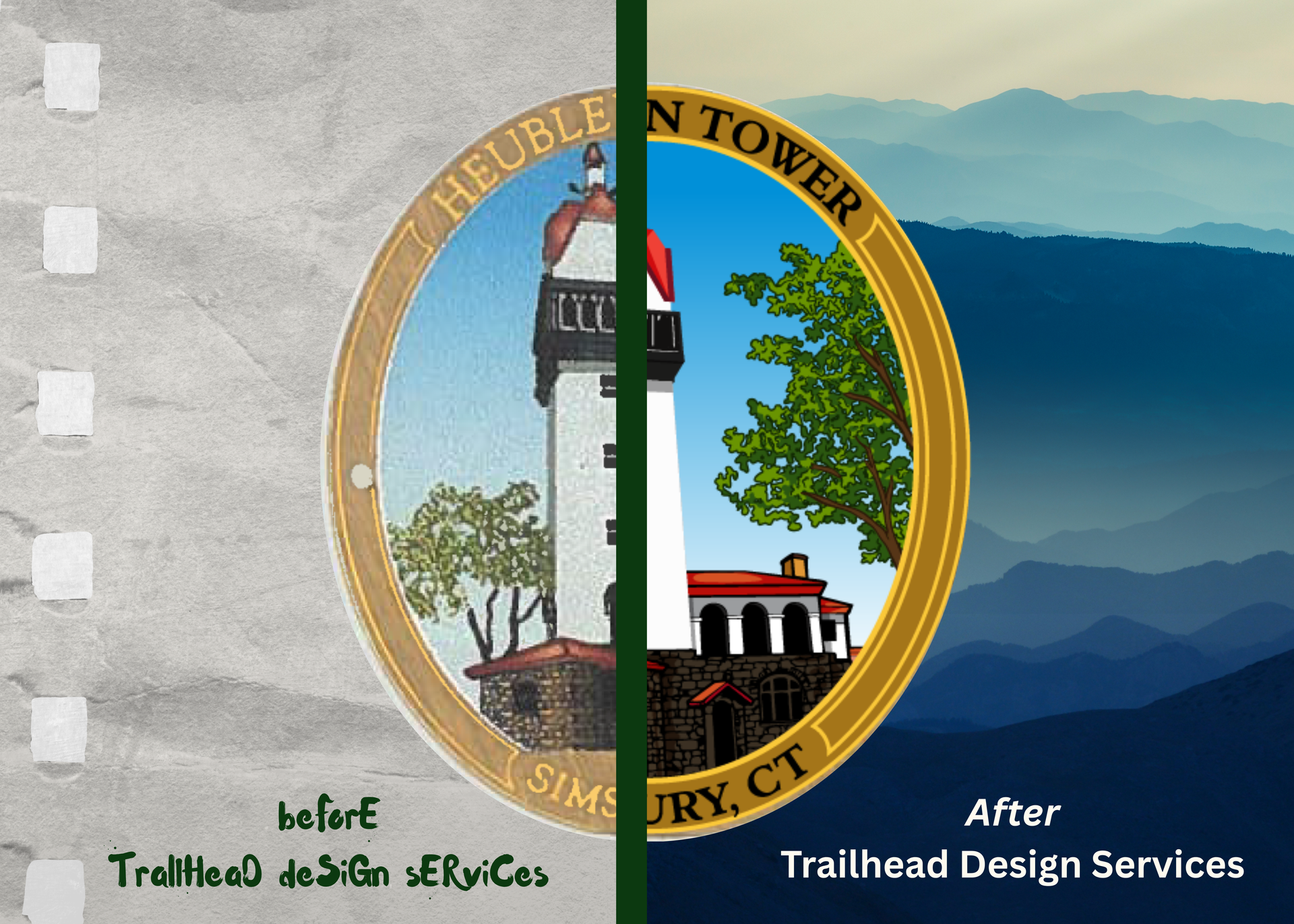
By Matthew Nardozza • July 31, 2026
First impressions matter. Whether you are handing a potential client a business card, hanging a banner for a local event, or sending out a direct mail campaign, your visual identity speaks volumes before a single word is read. Trailhead Printing has been your trusted partner for putting ink on paper. Today, we are thrilled to announce that we are taking our partnership a step further: Introducing Trailhead Printing’s New Design Services. We realized that many of our clients were coming to us with fantastic ideas but lacked the high-quality, print-ready files needed to make those ideas pop. You shouldn't have to juggle a separate freelance designer, wait weeks for files, and then bring them to a printer. We are bringing the entire creative process under one roof. Professional Quality That Speaks for Itself Our professional design team is dedicated to elevating your brand with polished, professional-grade graphics. Whether you need a complete logo overhaul, a fresh brochure layout, or just need to clean up an old, pixelated image, we have the tools and the talent to make it happen. Fast Turnaround Without Compromise We know that in business, time is money. A major pain point with traditional graphic design agencies is the agonizing wait time for proofs, revisions, and final files. Because our design team works directly alongside our print production team, we eliminate the middleman and the bottleneck. Our workflow is built for speed and efficiency , ensuring quick, quality turnaround. We transition your project seamlessly from the digital design phase straight to the printing press. You get your proofs faster, your revisions handled promptly, and your final printed materials in hand exactly when you need them. 
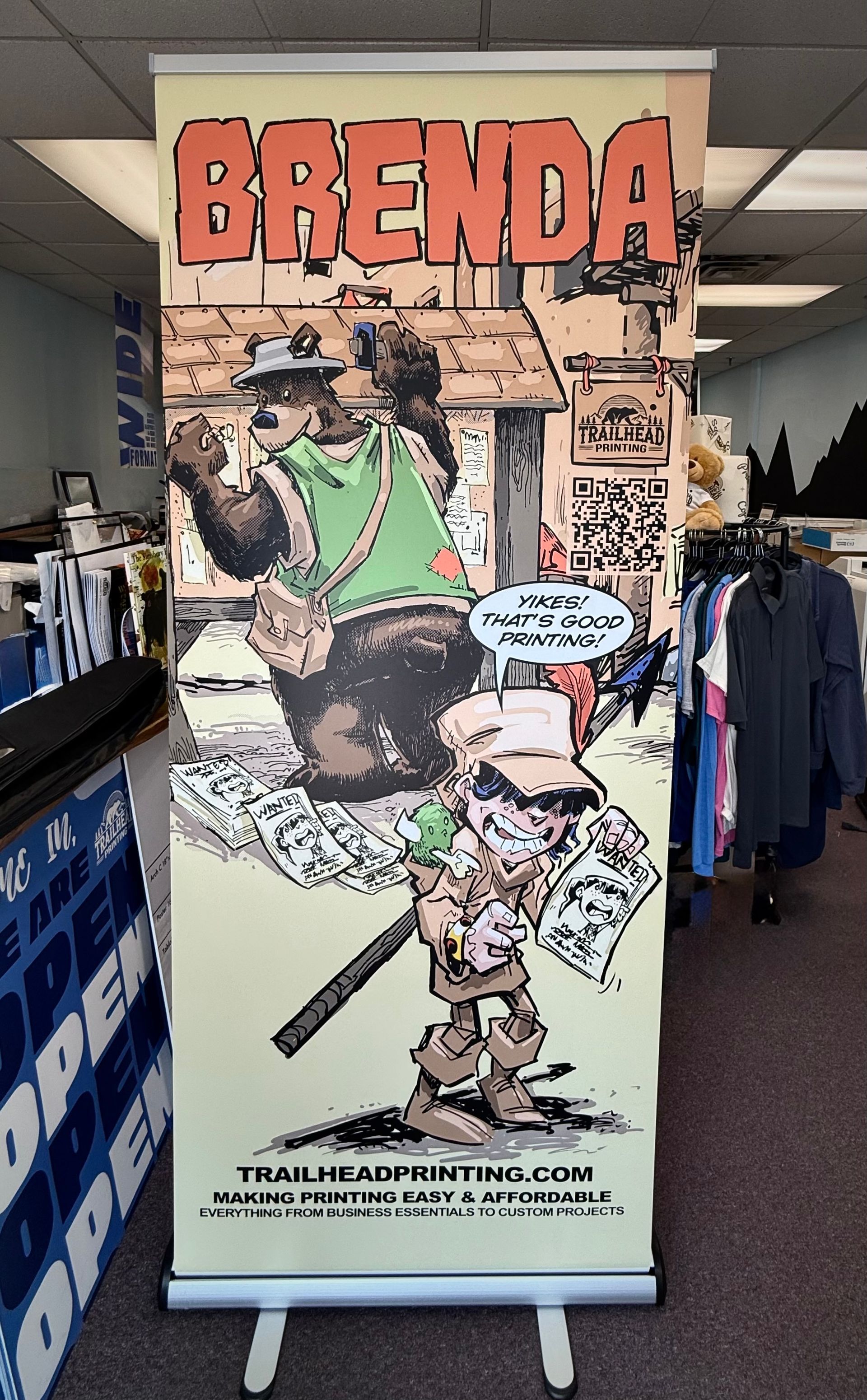
Trailhead Printing pull-up banner
By Matthew Nardozza • July 29, 2026
How a pull-up banner can help your Connecticut business market itself in 2026.
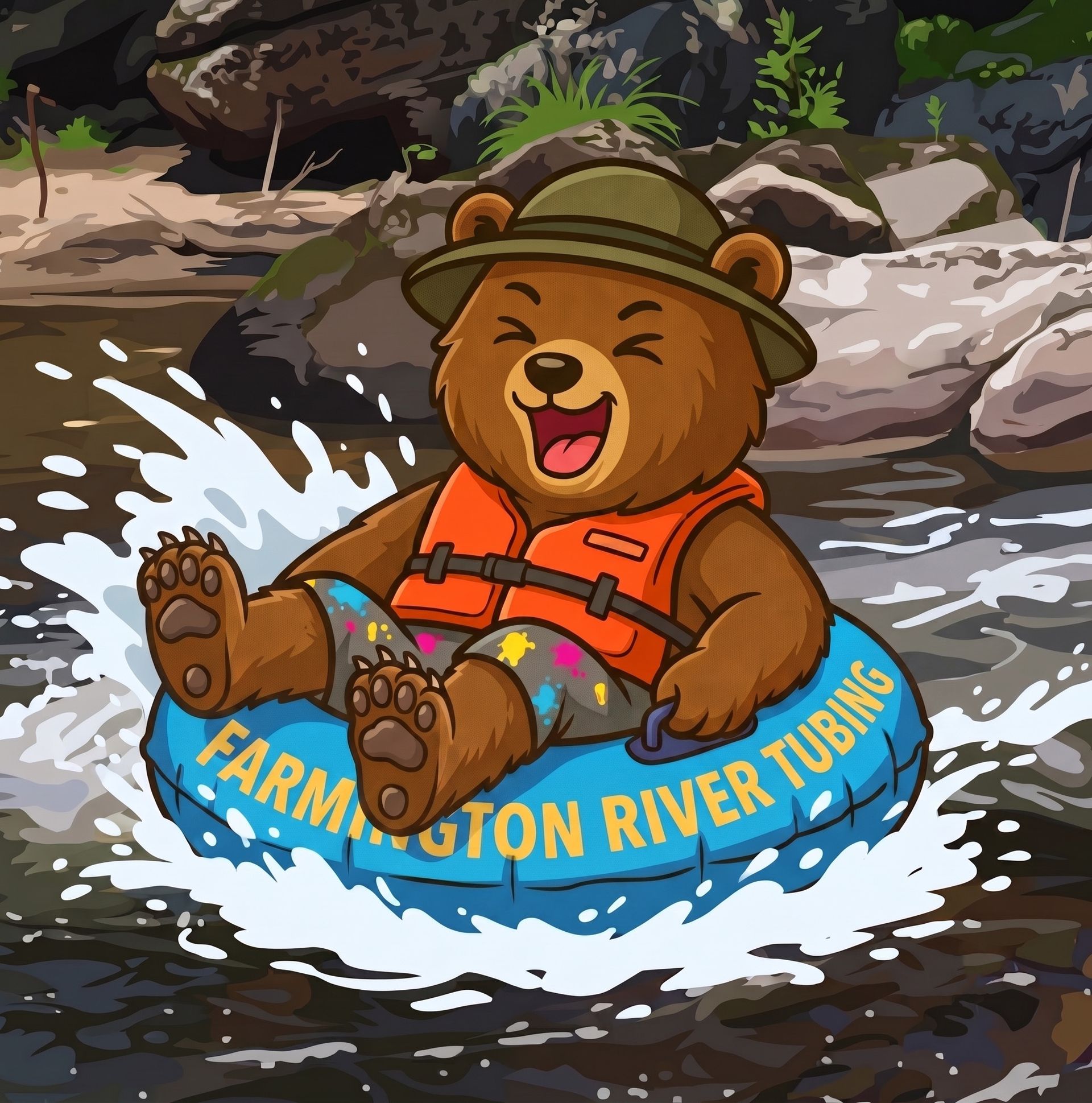
Cartoon bear in an orange vest tubing through river rapids with “Farmington River Tubing” on the tube
By Trailhead Printing • July 21, 2026
Trailhead Printing helps businesses and organizations throughout the Farmington Valley create quality print materials with local expertise, guidance, and service.
Smiling man in glasses standing outside Trailhead Printing storefront with open signs
July 2, 2026
Overwhelmed by starting a small business in CT? Trailhead Printing breaks down the essential branding, online, and print basics you actually need to start out.
Designer reviewing color swatches and samples beside a laptop, with a handheld scanner on a desk
June 16, 2026
Learn how to prep your Canva designs for professional printing. Avoid blurry images, fix color shifts, and understand bleed with Trailhead Printing's guide.
Show More